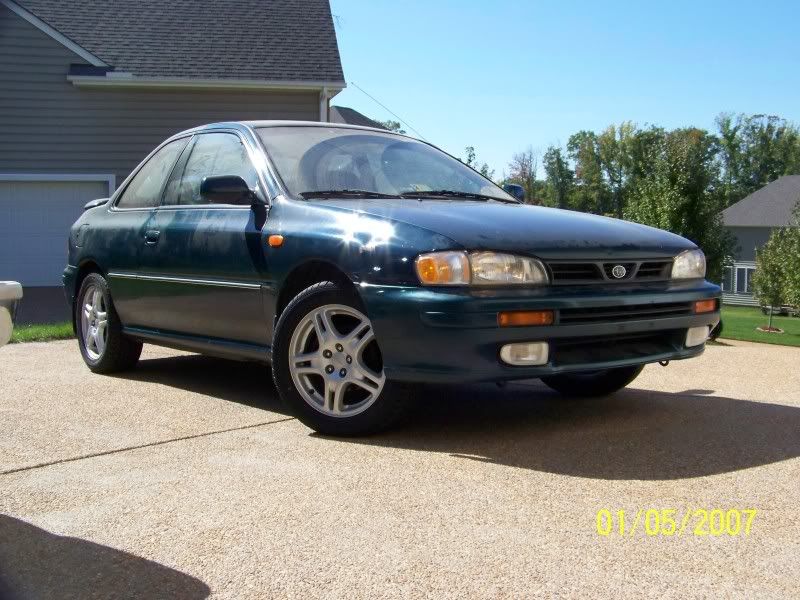
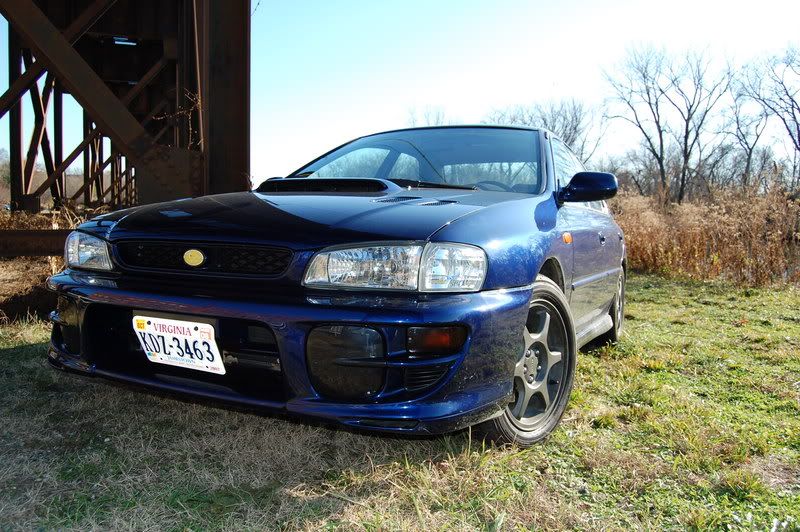
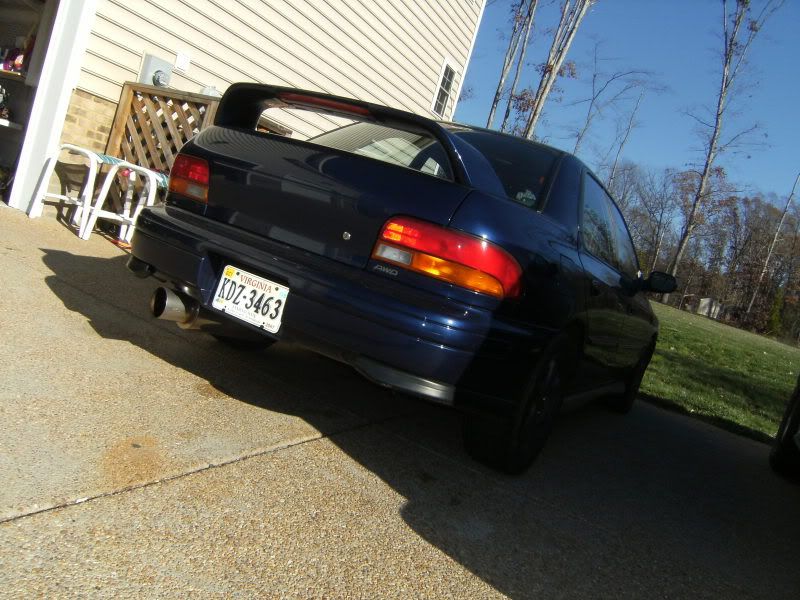
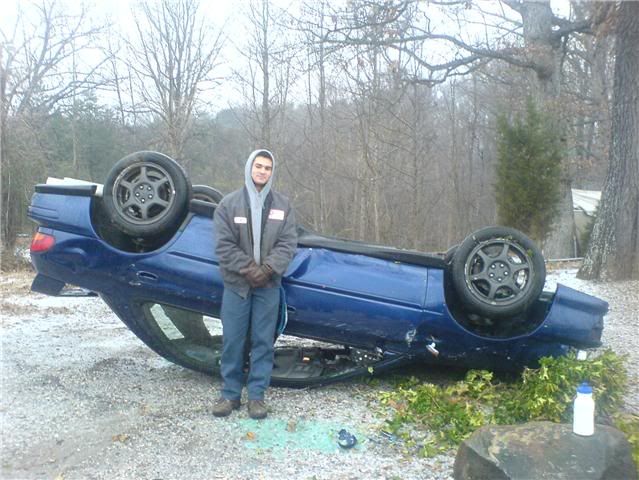
Post pictures of your ride!


B Nice
Joined: Jul 2008
Posts: 3,100
Likes: 0
From: Mamby Pamby Land


 Re: Post pictures of your ride!
The link you posted is straight from your PC.
You need to upload your pictures to a photo hosting site like photobucket.com, flikr.com, etc. Once they are hosted on a site you can simply copy the URL and paste it in here. You'll need to hit the picture icon and that will pop up a window that wants you to enter a URL, your URL should look similar to below:
http://farm5.static.flickr.com/4065/...e245e549_b.jpg
You could also hit "manage attachments" and then point to the picture on your PC and it will upload it to THIS site as an attachment. An attachment won't display in full size and users will need to click it to get a better view. As an example I've attached a pic below.
Alright, I've done my good deed for the day now.
You need to upload your pictures to a photo hosting site like photobucket.com, flikr.com, etc. Once they are hosted on a site you can simply copy the URL and paste it in here. You'll need to hit the picture icon and that will pop up a window that wants you to enter a URL, your URL should look similar to below:
http://farm5.static.flickr.com/4065/...e245e549_b.jpg
You could also hit "manage attachments" and then point to the picture on your PC and it will upload it to THIS site as an attachment. An attachment won't display in full size and users will need to click it to get a better view. As an example I've attached a pic below.
Alright, I've done my good deed for the day now.
Last edited by STi_FTMFW; Jun 25, 2010 at 04:13 AM.

Eat me.
Joined: May 2003
Posts: 13,799
Likes: 0
From: seven eleven plus the fo' six
Re: Post pictures of your ride!
The link you posted is straight from your PC.
You need to upload your pictures to a photo hosting site like photobucket.com, flikr.com, etc. Once they are hosted on a site you can simply copy the URL and paste it in here. You'll need to hit the picture icon and that will pop up a window that wants you to enter a URL, your URL should look similar to below:
http://farm5.static.flickr.com/4065/...e245e549_b.jpg
You could also hit "manage attachments" and then point to the picture on your PC and it will upload it to THIS site as an attachment. An attachment won't display in full size and users will need to click it to get a better view. As an example I've attached a pic below.
Alright, I've done my good deed for the day now.
You need to upload your pictures to a photo hosting site like photobucket.com, flikr.com, etc. Once they are hosted on a site you can simply copy the URL and paste it in here. You'll need to hit the picture icon and that will pop up a window that wants you to enter a URL, your URL should look similar to below:
http://farm5.static.flickr.com/4065/...e245e549_b.jpg
You could also hit "manage attachments" and then point to the picture on your PC and it will upload it to THIS site as an attachment. An attachment won't display in full size and users will need to click it to get a better view. As an example I've attached a pic below.
Alright, I've done my good deed for the day now.
 lololol